Scheduling
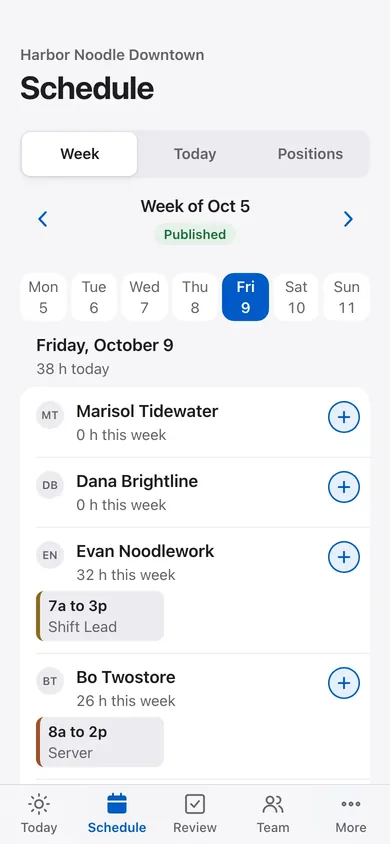
Publish the schedule.
- Build and publish the week, see who is scheduled and who is working now.
- Day and week views keep the schedule on every phone, and staff check their own published shifts.
The app
Schedules, tasks, time records and shift notes in one app. Staff record the work. Managers see what is finished and what still needs attention.
Available by guided demo. Client access, timing and included modules are confirmed in your proposal.
Eight modules
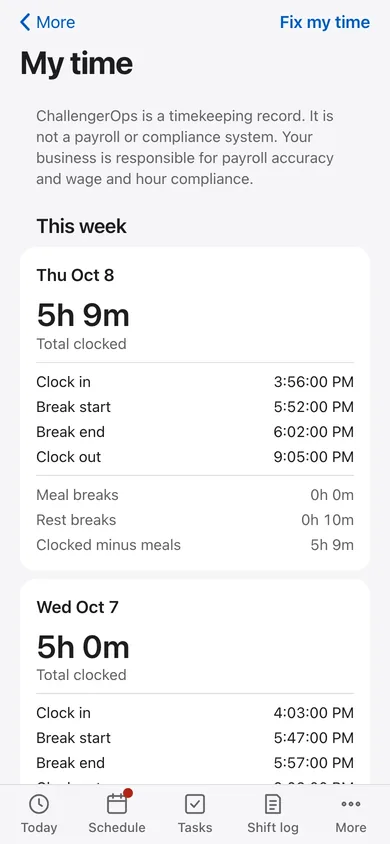
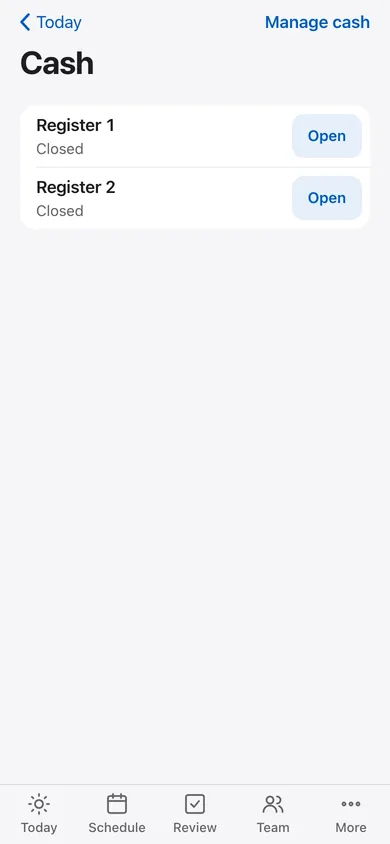
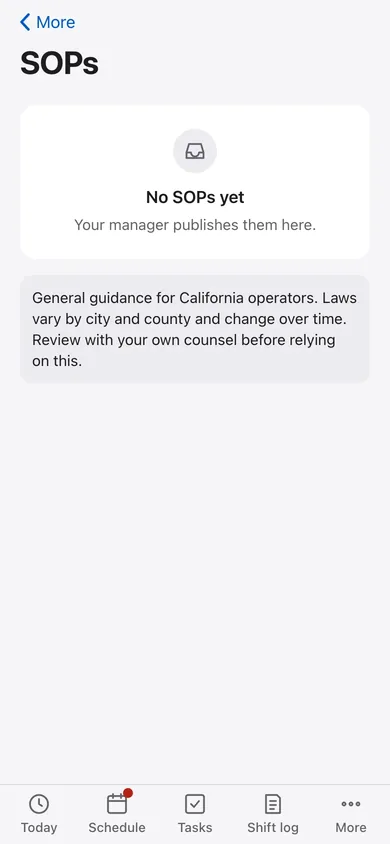
Choose a module to see what the team records and what a manager reviews. Which modules a location starts with is agreed in your proposal.
Scheduling
Tasks
Time
Cash
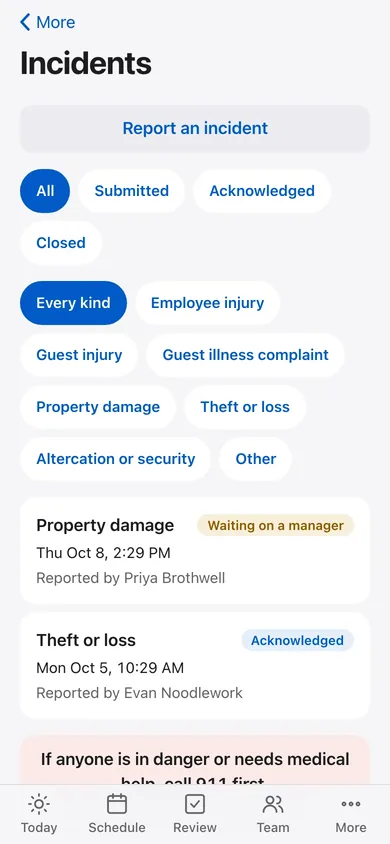
Incident reports
SOP library
Ops logs
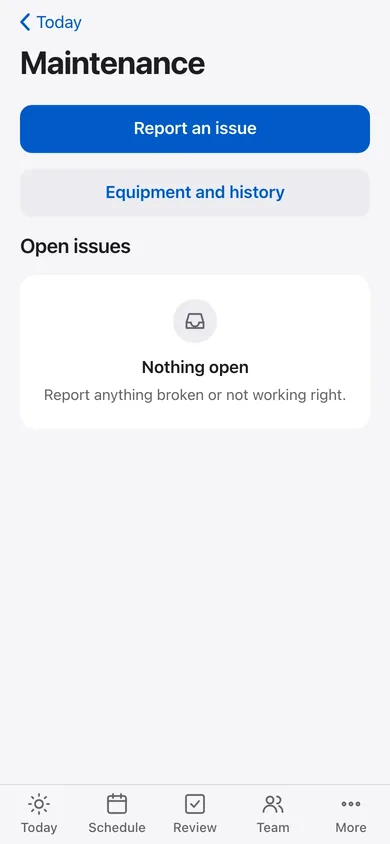
Team
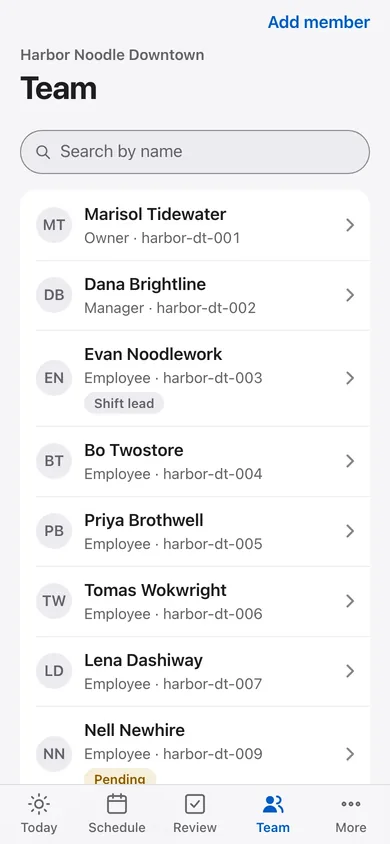
Follow a shift
Five moments in a shift, as the team and the manager see them.
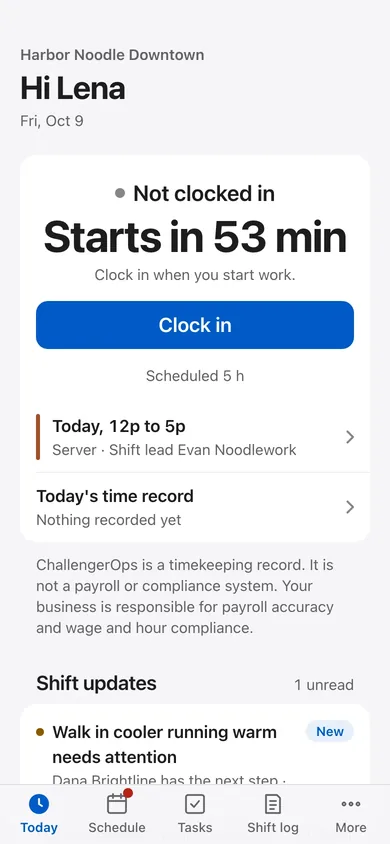
Clock in, see your shift and open the latest handoff.
For the manager: The team sees what the last shift left open.
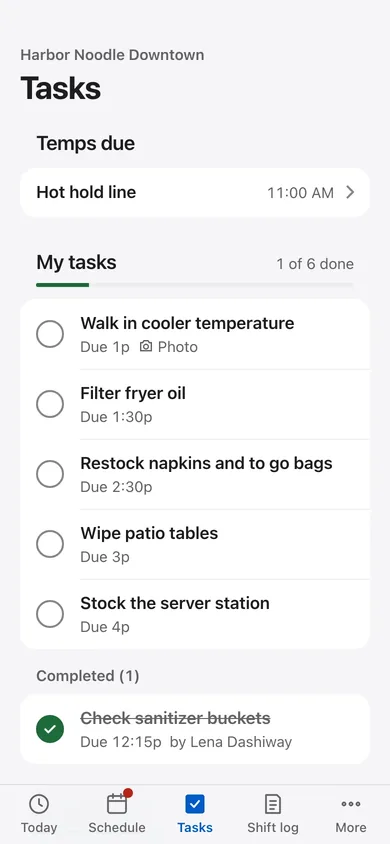
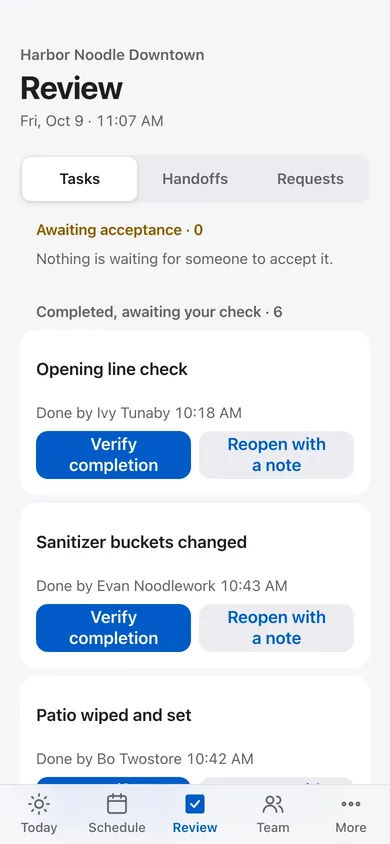
Open the task list, check due times and add the photo or reading a task asks for.
For the manager: Managers verify finished work or reopen it with a note.
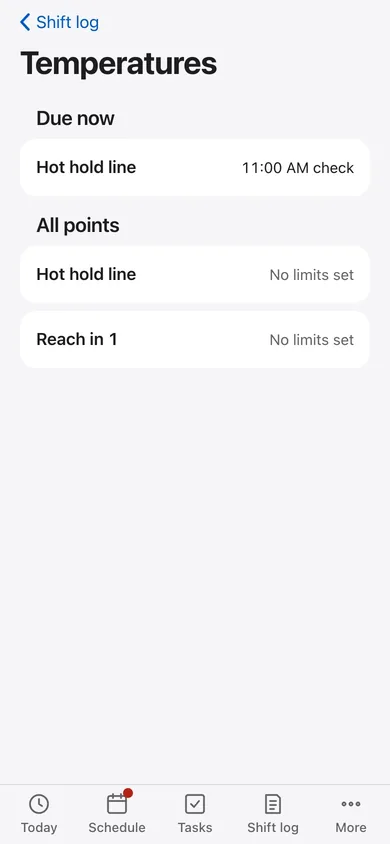
Enter temperature readings, cash counts, incidents and updates while the details are fresh.
For the manager: Your business sets the limits used for readings.
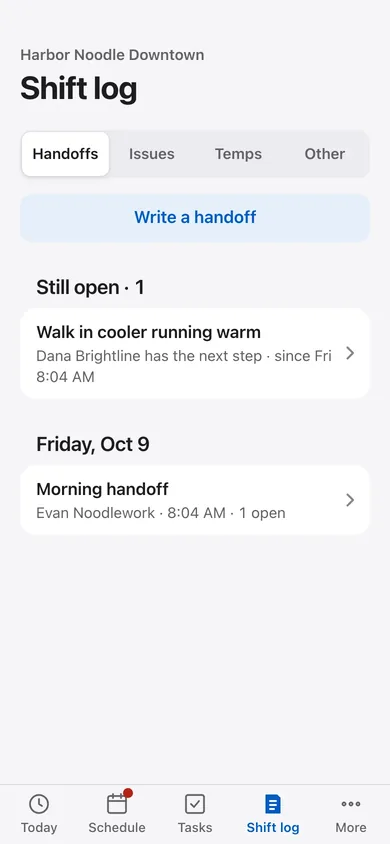
Write the handoff and carry open issues into the next shift.
For the manager: An issue keeps its next owner and its updates.
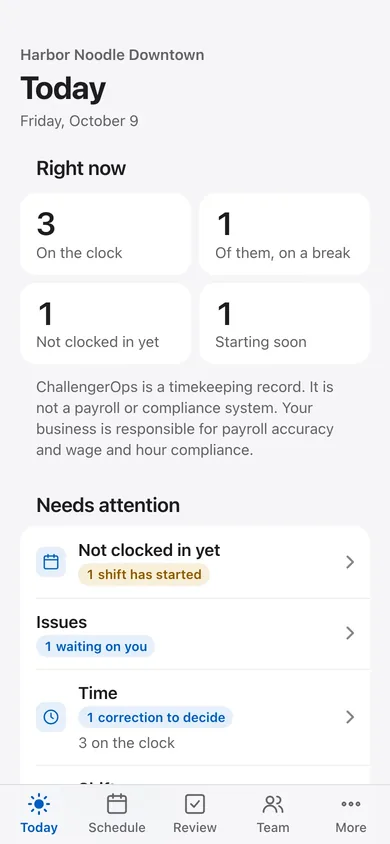
Managers see who is on the clock, what needs attention and what to decide.
For the manager: Corrections add to the history; payroll accuracy stays with the business.
Records, not rulings
Tell Eric what your team tracks today and where handoffs break down. He replies by email to arrange a walkthrough and discuss which modules fit your locations.
Request an app walkthroughA person, not a chatbot
Ask a question, describe a problem or request an app walkthrough.
Send Eric your question Email Eric directlyEric replies by email. No package choice needed to inquire.